
Build your Website Foundations
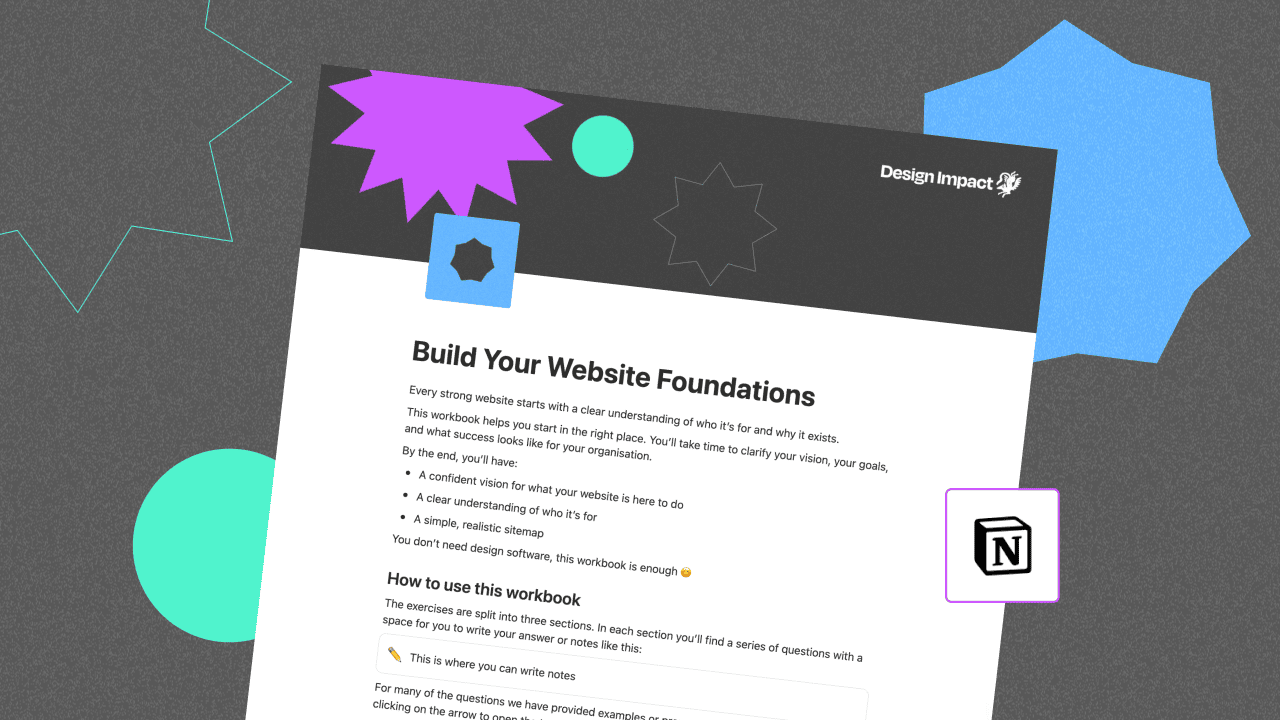
This free Notion workbook is designed to help you clarify your audience, priorities, and site structure before you move into design or build.
Enter your email address below and you'll receive a link to the resource.
Why use this workbook?
This Notion workbook helps you step back and think through your website structure before you start designing or building.
It gives you a way to clarify who your site is for, what it needs to do, and which pages are needed for launch.
By the end, you’ll have:
- A confident vision for what your website is here to do
- A clear understanding of who it’s for
- A simple sitemap
What's inside
Vision
Clarify what your website is here to do, and what success looks like for your organisation.
You'll work through five questions:
- Your Organisation’s Vision
- What Success Looks Like in 6–12 Months
- Your Primary Website Goal
- Secondary Goals
- If You Already Have a Website — What’s Not Working?
Audience
Work out who your website is for, what brings them there, and what they need first.
- Your Primary Audience
- Secondary Audiences
- What Brought Them Here?
- What Do They Need First?
- What Might Make Finding What They Need Hard for Them?
- What Do You Want Them to Do Next?
- How Do You Want People to Feel?
Sitemap
Turn your thinking into a clear, prioritised list of pages you can build from.
- Step 1 — Start With Your Core
- Step 2 — Pages That Answer Real Questions
- Step 3 — Group and Simplify
- Step 4 — Your Sitemap
- Step 5 — Sense Check
- Step 6 — Parking Lot (Phase Two)
Set up
How to set up the workbook
- Open the link you receive in your email, the workbook will open in Notion.
- Click "Duplicate" in the top right (you’ll be asked to log in if you’re not already).
- Choose where you want to save it in your workspace.
That’s it — you’re ready to start using the workbook.
Start working on your website structure today!